Is Midjourney V6.1 Suitable for an AI Video Generator?
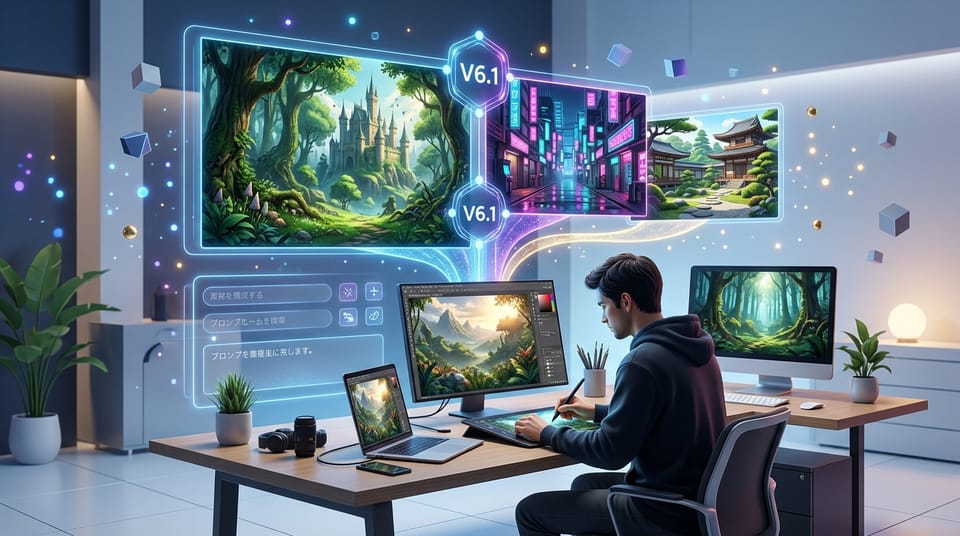
An AI video generator constantly seeks the highest quality starting frames to feed into animation models. While Midjourney V6.1 is strictly an image generation model, it serves as a critical foundational tool for modern video workflows.
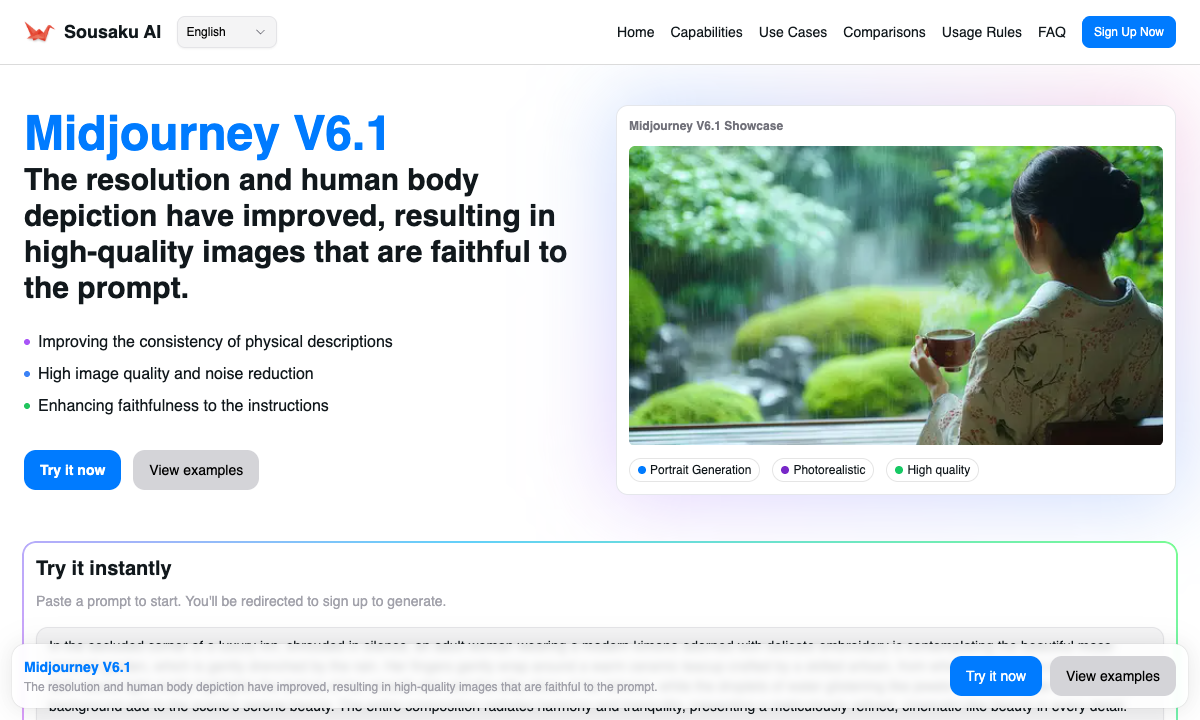
Its July 2024 update brings essential enhancements like improved anatomical coherence, sharper details, and reduced pixel noise. These upgrades make it highly compatible with the needs of video creators on Sousaku.AI who require flawless base assets before animation.
Typical Creative or Workflow Needs of an AI Video Generator
Professionals focusing on AI video generation usually aim to produce engaging content for platforms like TikTok, YouTube Shorts, or cinematic AI films. Their core objective is maintaining visual consistency while scaling production speed.
A major challenge in this workflow is the quality of the initial keyframe. If the starting image has distorted limbs, unnatural skin tones, or heavy artifacting, the subsequent video generation will amplify these errors dramatically.
Therefore, an AI video generator requires a tool that outputs high-fidelity realism, complex composition stability, and accurate text adherence. The starting asset must look as close to a color-graded final frame as possible to ensure smooth motion translation.
How Midjourney V6.1 Meets the Needs of an AI Video Generator
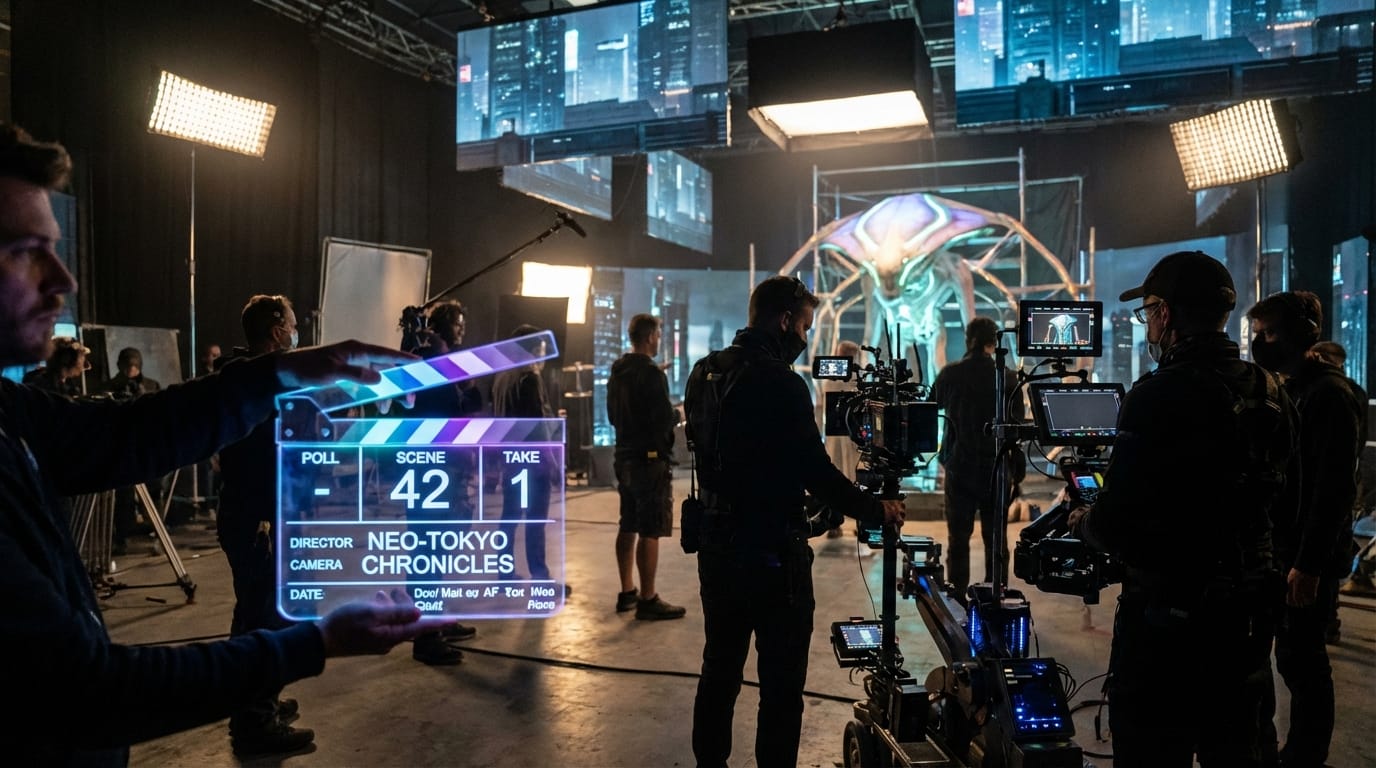
Midjourney V6.1 acts as the ultimate asset engine for video creators by directly addressing the pain points of previous versions. The significant improvements in rendering arms, legs, hands, and bodies mean less time spent on inpainting and manual corrections.
For an AI video generator, the reduction in pixel noise and artifacts is perhaps the most valuable upgrade. Clean, sharp details allow image-to-video models to track pixels more accurately during animation, resulting in less morphing and temporal flickering.
Furthermore, the enhanced natural color saturation and skin tone realism provide a cinematic baseline. Creators can generate a shot that requires zero external color grading before being animated, streamlining the entire production pipeline.
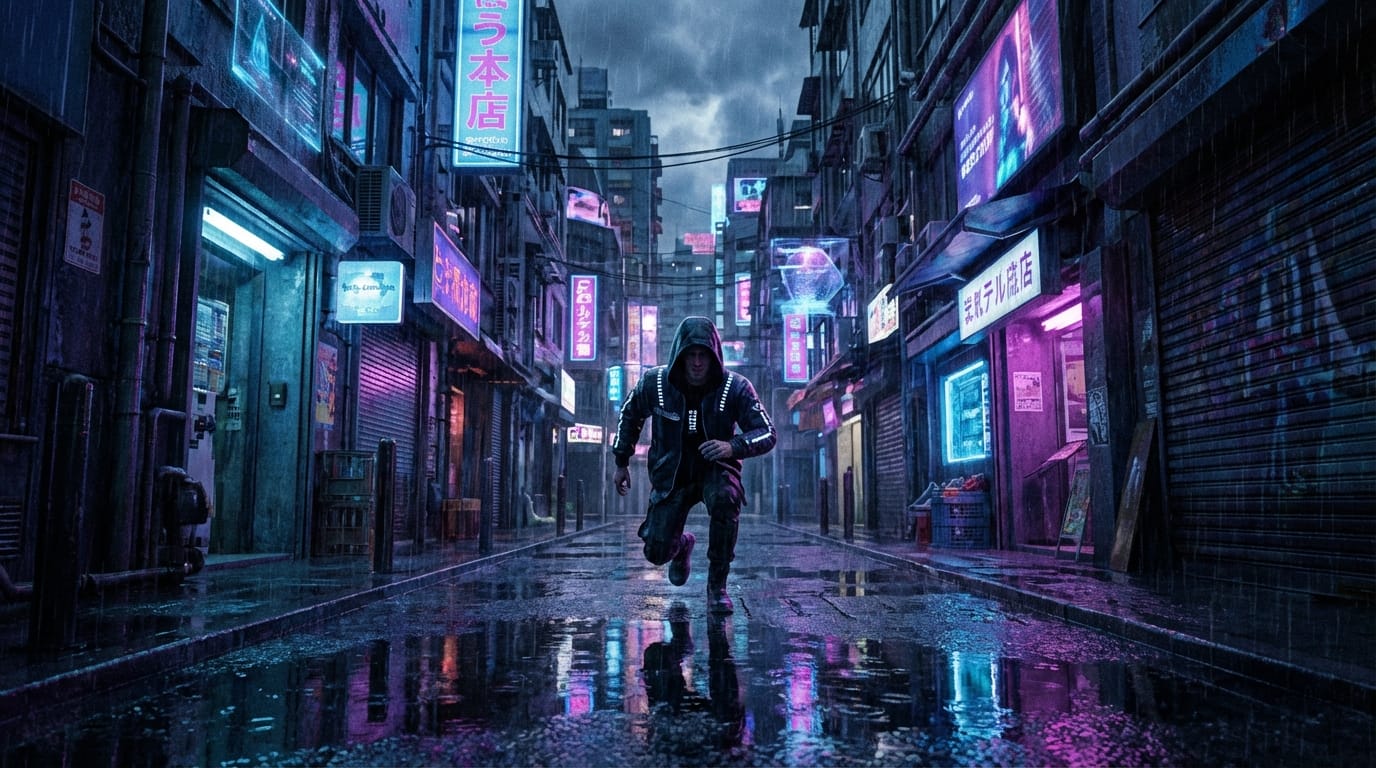
Example Prompt for a Cinematic Storyboard:
A cinematic wide shot of a cyberpunk street runner pausing in a neon-lit alleyway, rain reflecting on the wet pavement, moody blue and magenta lighting, shot on 35mm lens, high fidelity, 8k resolution, photorealistic.
Common Usage Examples of Midjourney V6.1 for an AI Video Generator
To build a reliable video pipeline, creators typically use Midjourney V6.1 to establish the visual foundation. Here are realistic workflows relying on its core text-to-image and image-to-image capabilities.
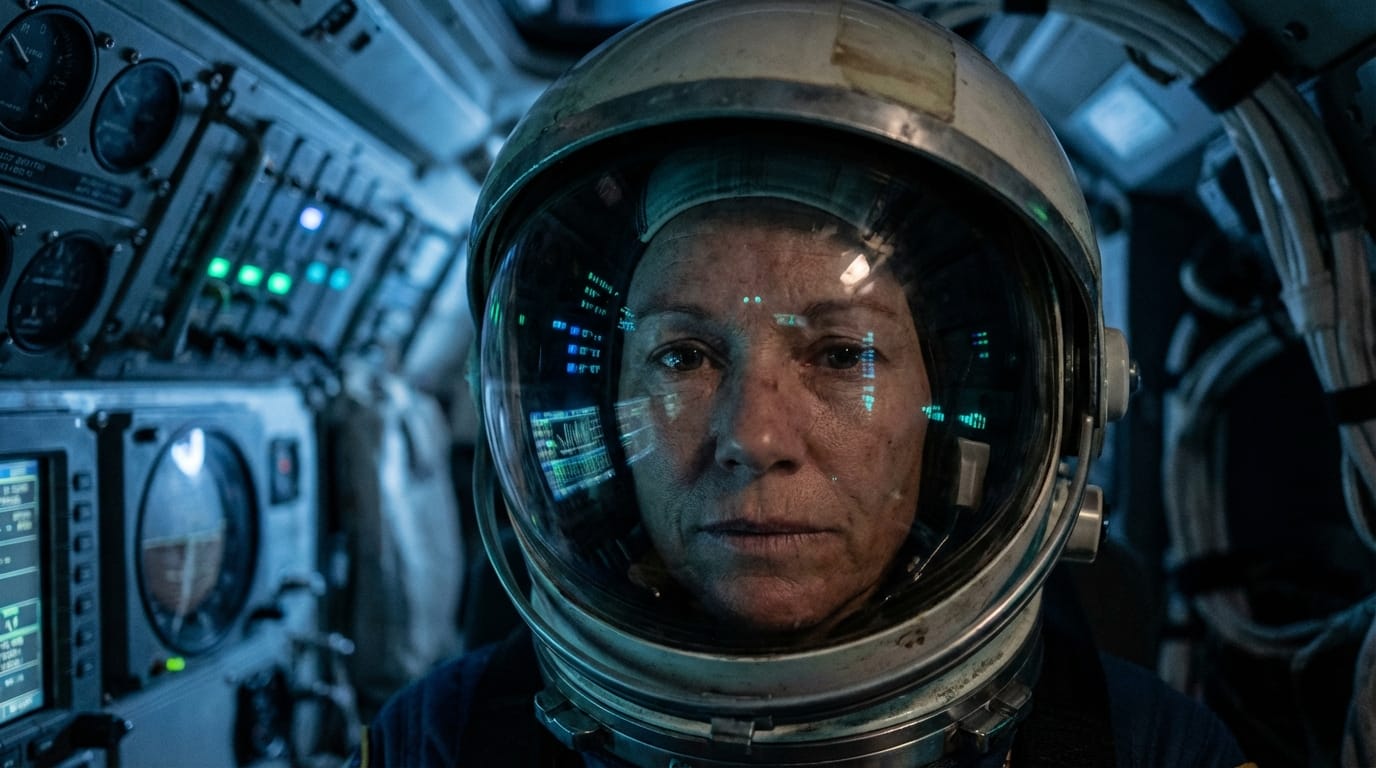
1. Generating Cinematic First Frames (Text-to-Image) An AI video generator often starts with a text prompt to create the perfect opening shot for a short drama or music visualizer. By using the Text-to-Image function, they establish the exact lighting, character pose, and environment. This high-quality static frame is later exported to an animation model.
Example Prompt:
Close-up portrait of a female astronaut inside a dimly lit spaceship cabin, soft blue control panel lights reflecting on her helmet visor, highly detailed skin texture, cinematic lighting, photorealistic.
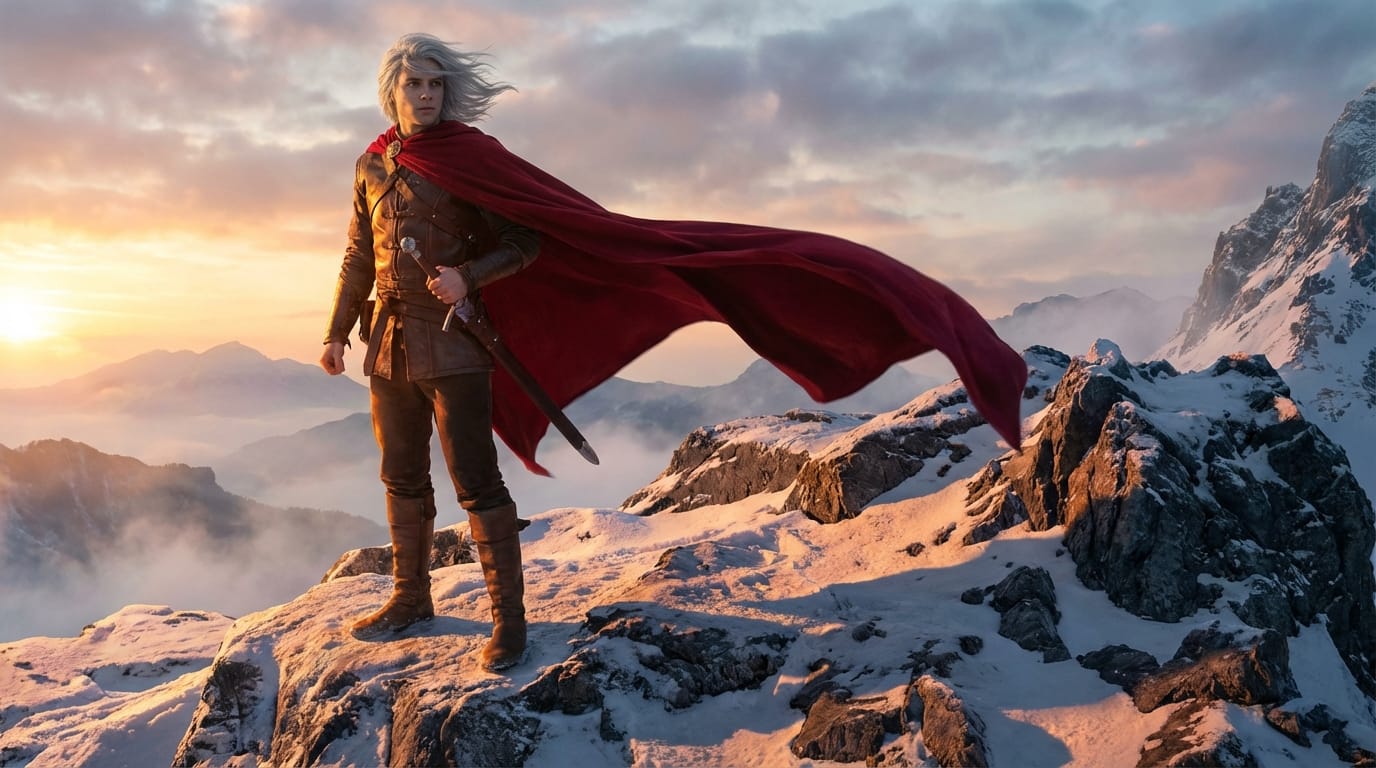
2. Creating Consistent Character Variations (Image-to-Image) When producing a continuous story-driven video, maintaining character consistency across different scenes is vital. Creators utilize the Image-to-Image feature by uploading a base character design and prompting for new angles or environments. This ensures the protagonist looks identical across multiple video clips.
Example Prompt:
The same young warrior with silver hair and a red cloak, standing on a snowy mountain peak at sunrise, dramatic shadows, epic fantasy style, high resolution.
What an AI Video Generator Should Keep in Mind When Using Midjourney V6.1
While the output quality is exceptional, Midjourney V6.1 is not an all-in-one animation tool. It requires a two-step workflow: generating the high-fidelity image first, then animating it with a separate image-to-video model.
Prompting also requires a specific learning curve. To fully leverage the V6.1 update, creators need to use precise photographic terminology rather than vague descriptions to control the composition effectively.
Additionally, high-resolution generation consumes resources. Managing your workflow through a unified Credit System helps maintain cost control when rendering hundreds of storyboard frames for a single project.
Which AI Video Generators Are Not Suitable for Midjourney V6.1
Creators looking for a direct "text-to-video" solution without intermediate steps will find this model unhelpful. If your workflow demands typing a prompt and immediately receiving a ready-to-publish MP4 file, a dedicated video generation model is necessary.
It is also less suitable for motion graphics designers who need layered, editable vector files or transparent background assets directly out of the box. Midjourney generates flat, fully rendered raster images that require additional masking if you need isolated elements.
How an AI Video Generator Can Efficiently Use Midjourney V6.1 on Sousaku.AI
The true advantage of using this model on Sousaku.AI lies in the Multi-Model Aggregation. An AI video generator can create their base assets using Midjourney V6.1, and immediately switch to a top-tier image-to-video model within the exact same interface.
This unified environment eliminates the friction of managing multiple subscriptions and transferring files between different platforms. You can easily browse the Model Library to find the perfect animation tool to pair with your Midjourney images.
If you are unsure which base image generator fits your specific art style, utilizing the Model Compare feature allows you to evaluate Midjourney V6.1 against other options side-by-side to ensure optimal results.
Conclusion: Is Midjourney V6.1 Worth Trying for an AI Video Generator?
For any AI video generator focused on high-quality, narrative-driven, or cinematic content, Midjourney V6.1 is an indispensable asset generation tool. Its ability to produce flawless, coherent, and highly detailed images directly impacts the stability of the final video animation.
By integrating this refined version of V6 into your pipeline, you significantly reduce visual glitches and elevate the overall production value of your content. Evaluate your current workflow to see if upgrading your base image quality will improve your final video outputs.
Explore the platform and integrate these capabilities into your creative process today:
- Visit the official site: https://sousaku.ai
- Explore Midjourney V6.1: https://sousaku.ai/models/mj-image-v6.1
- Start creating now: https://sousaku.ai/signin